

What is Aethir?
Aethir is a decentralized, enterprise-grade GPU cloud computing network established in 2021. The project aims to provide distributed infrastructure connecting GPU providers with enterprises and developers who require significant computing power for high-demand tasks. These include Artificial Intelligence and Machine Learning (AI/ML), cloud gaming, and real-time rendering for high-performance applications. Unlike traditional cloud services, Aethir cuts costs and mitigates centralization. It democratizes access to powerful computational resources—such as NVIDIA H100 GPUs—through an open, transparent platform powered by blockchain technology. The Aethir network is anchored by its native token, $ATH (total supply: 42 billion). This token handles payments, rewards providers and nodes, and enables participation in governance decisions.User Guide (Aethir)
Objective
Configure all required data to run your Aethir Node on Cripto Host. Tip: Make sure your wallet contains the Aethir NFT license before starting the process.1. Purchase Your Node on Cripto Host
1.1 Create an Account or Log In
Access the platform at: 👉 https://app.cripto.host1.2 Access the Aethir Project
After logging in, go to the Aethir node deployment page: 👉 https://app.cripto.host/nodes/new/settings?project_id=c8c568db93dd6fca5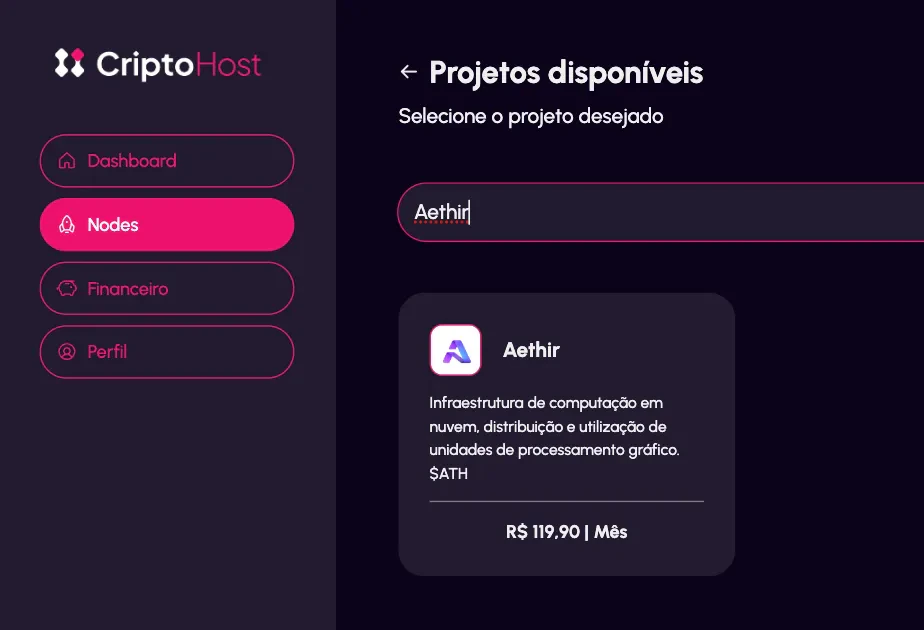
1.3 Enter Your Public Wallet Address
Provide the public wallet address that holds your Aethir NFT license. ⚠️ Make sure this is the correct wallet containing the NFT.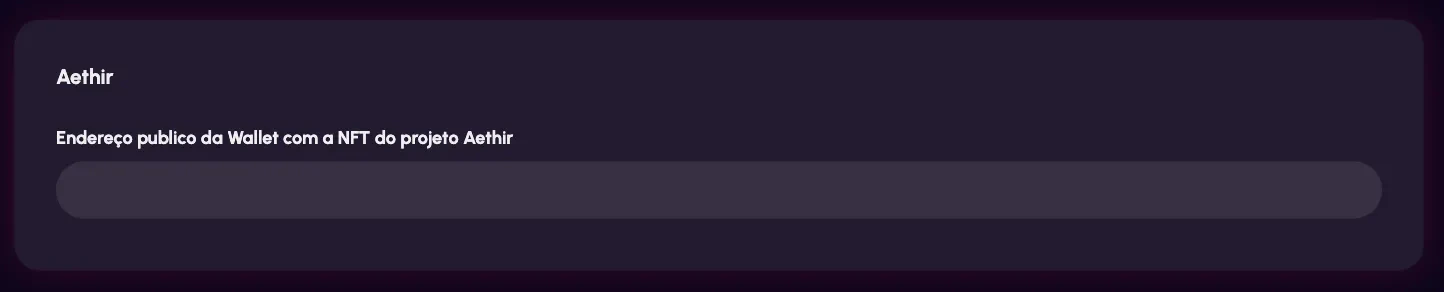
1.4 Select Your Plan
Choose the hosting plan that best fits your needs.
1.5 Confirm Your Order
Review your configuration and confirm the deployment.1.6 Complete the Payment
Finalize the payment to activate your node allocation.2. Delegate Your Node Wallet
After your node has been deployed and is active, you must delegate your Aethir license to your node wallet.2.1 Open Your Node Details
Inside your Cripto Host dashboard, locate your Aethir node and open the Node Details page.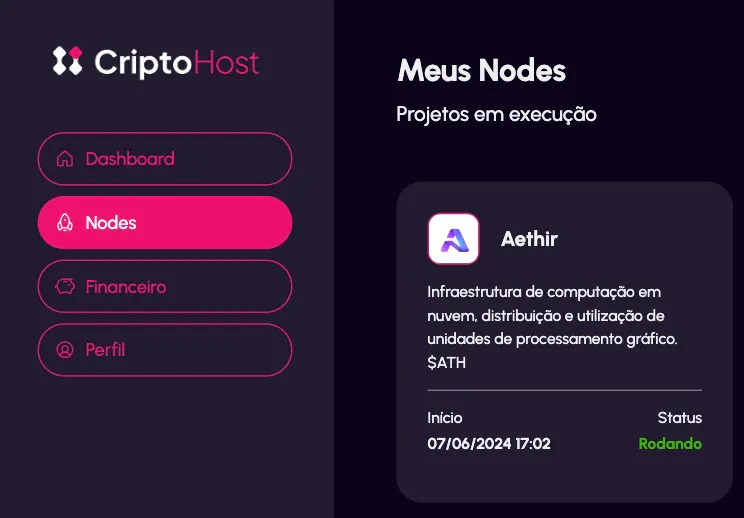
2.2 Copy Your Node Wallet Address
Scroll to the bottom of the node details page and copy the Node Wallet Address. You will use this address for delegation.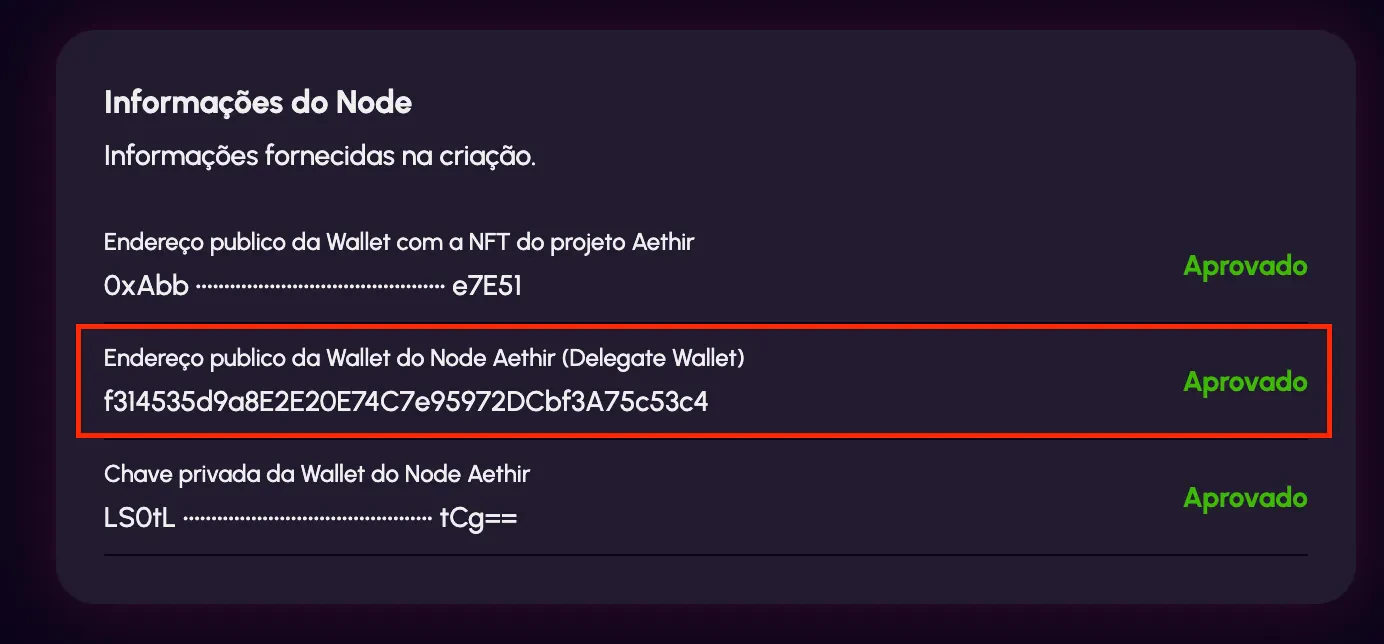
2.3 Access the Aethir Dashboard
Go to: 👉 https://app.aethir.com/ Log in using the wallet that holds your Aethir NFT.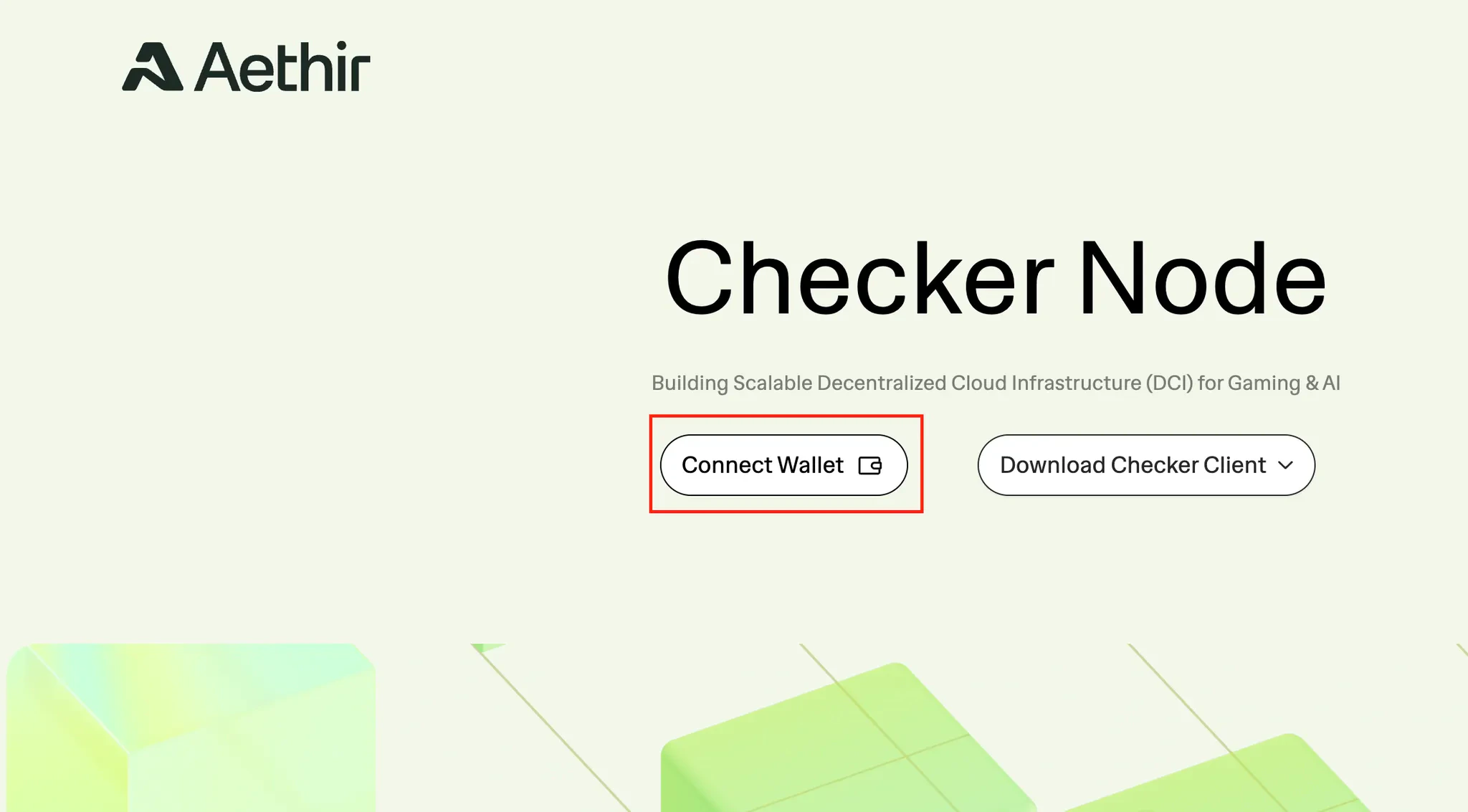
2.4 Connect Your Wallet
Select your wallet provider. ⚠️ Ensure you are connected to: Arbitrum One – Mainnet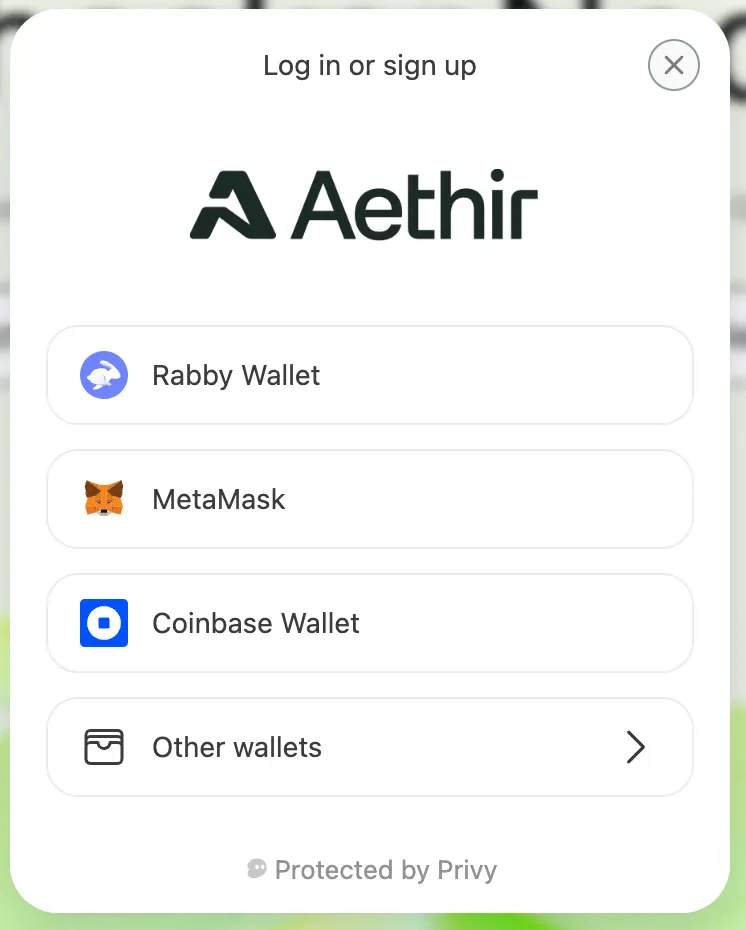
2.5 Open the Licenses Page
Access the license management page: 👉 https://app.aethir.com/licenses
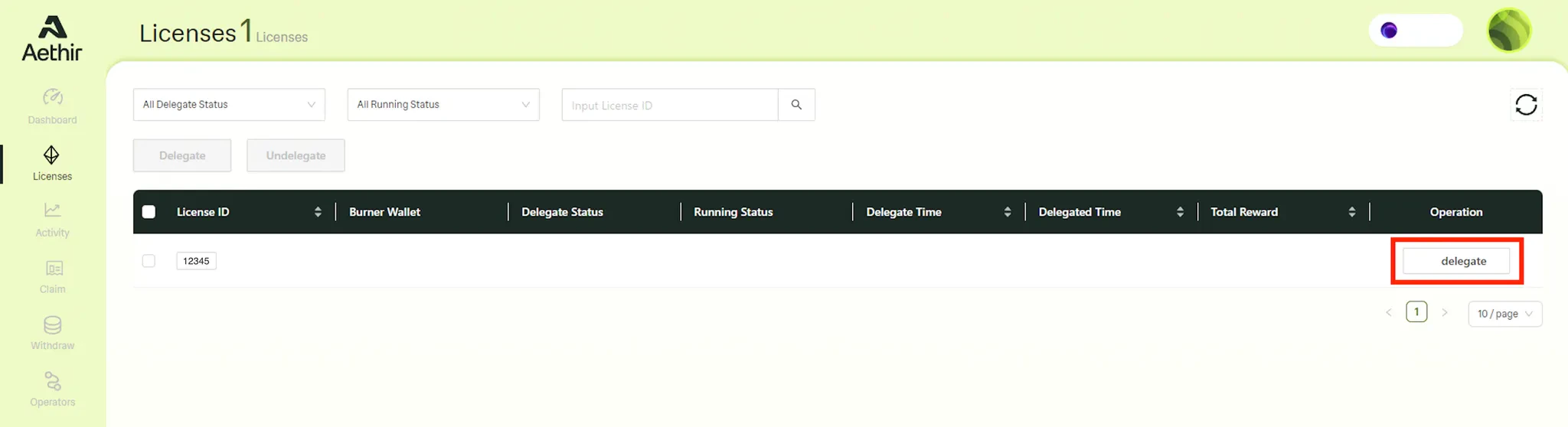
2.6 Delegate Your License
- Locate your license
- Click Delegate
- In the popup window, paste the Node Wallet Address you copied from Cripto Host
2.7 Confirm Delegation
Click the Delegate button. You will be prompted to approve a blockchain transaction. Click Confirm in your wallet to complete the process.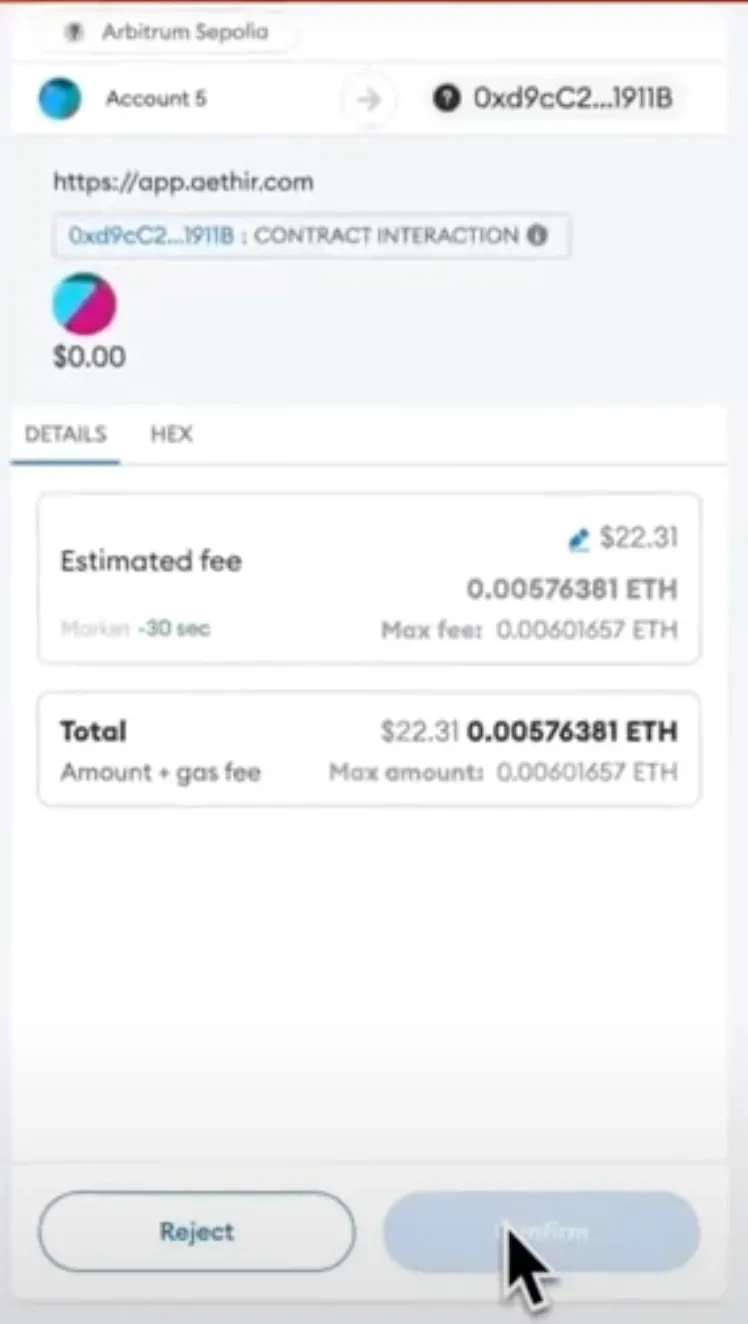
✅ Process Completed
Your Aethir license has now been successfully delegated to your Cripto Host node. Your node is fully configured and ready to operate.Useful Links
- Official Website:https://aethir.com
- Official Documentation:https://docs.aethir.com
- Tokenomics:https://docs.aethir.com/aethir-tokenomics/compute-rewards
- **CoinMarketCap: **https://coinmarketcap.com/currencies/aethir/